Category: Computers & Laptops
-
How to Take a Long Screenshot on macOS: Take a Scrolling Screenshot on a Mac
To take a long screenshot on macOS, open the page in Safari and choose File > Export as PDF to capture the entire page. For…
-
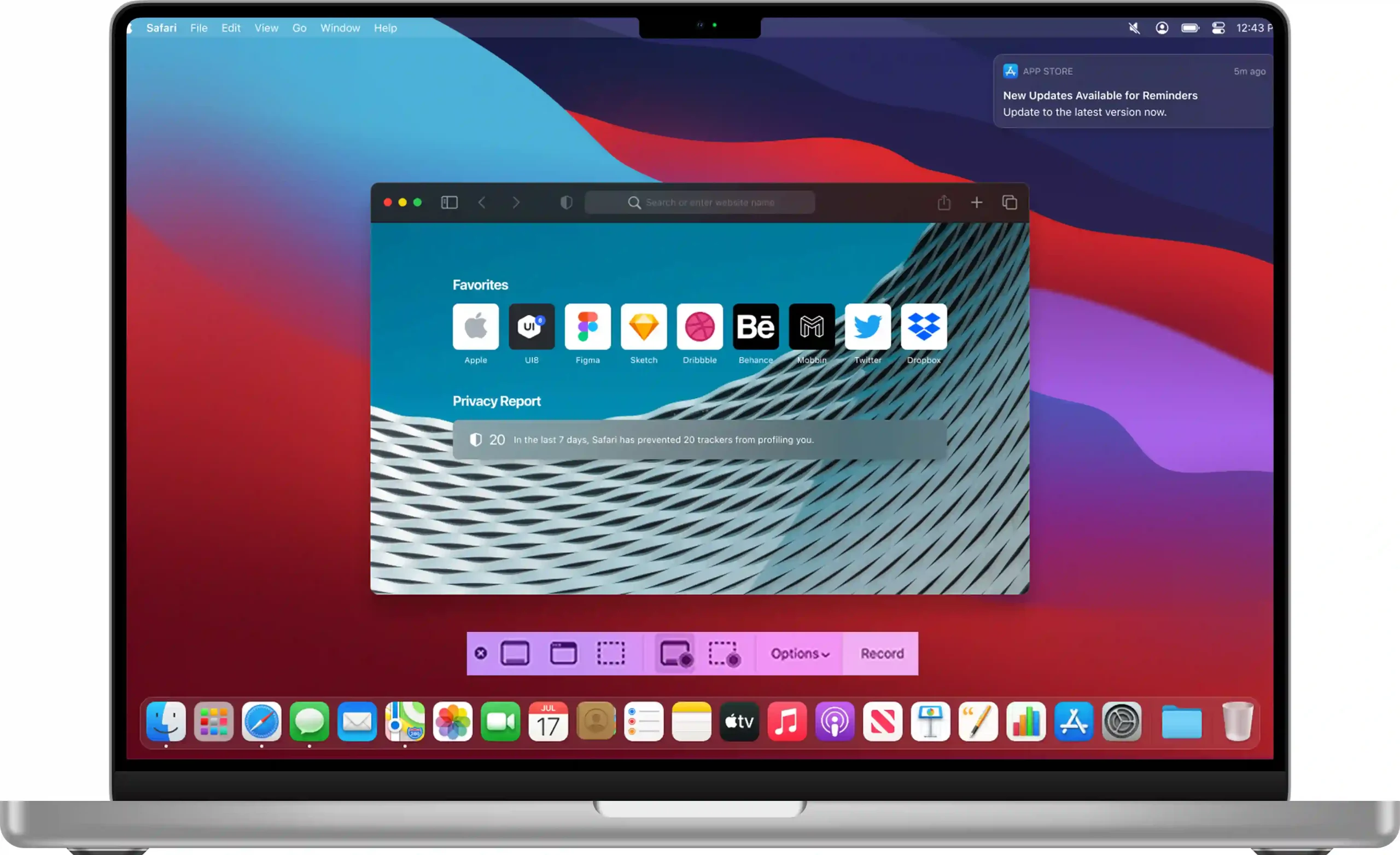
Take Screenshot on macOS: Complete Guide How to Screenshot on Mac
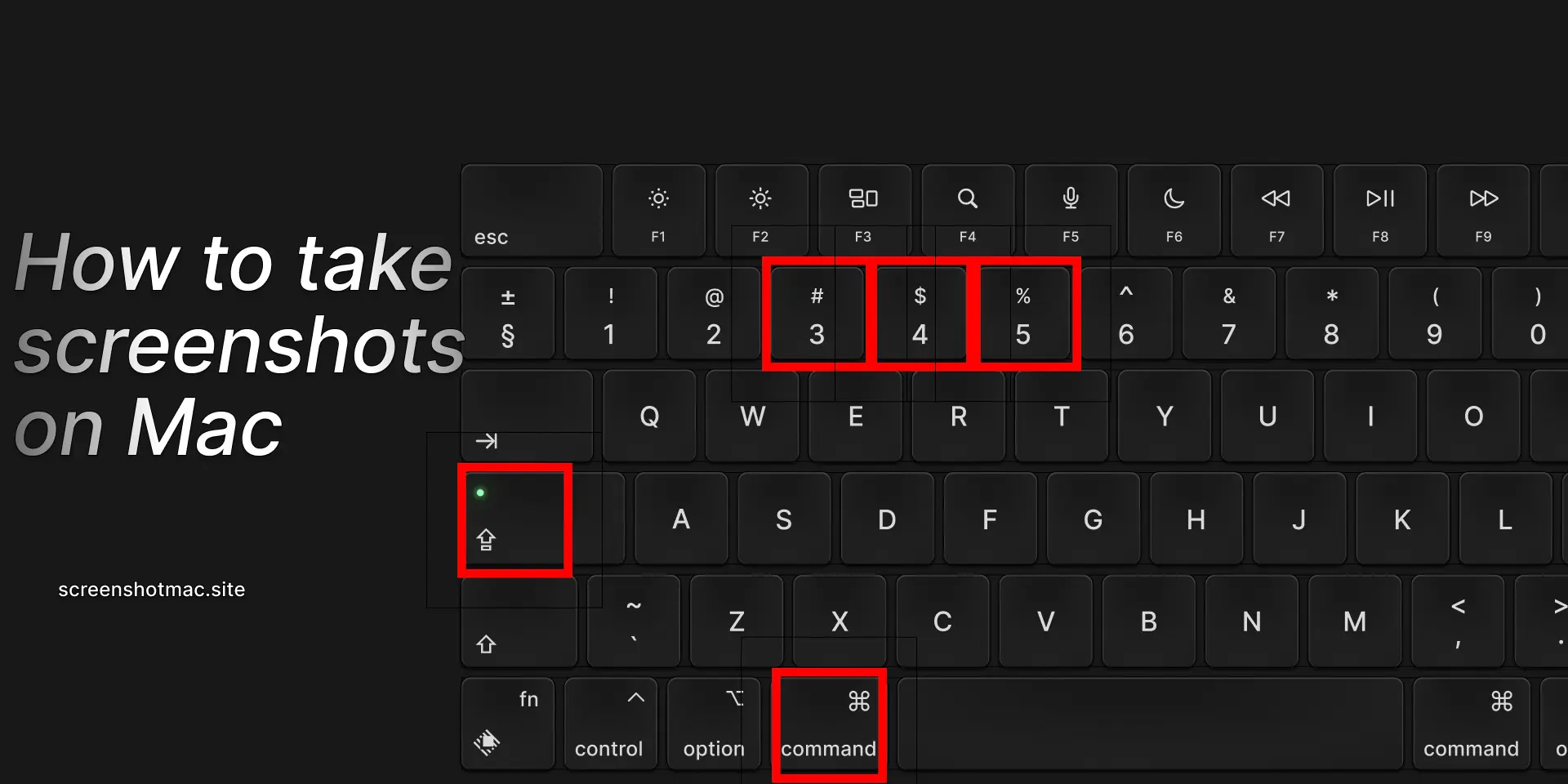
To take a screenshot on macOS, first, press Command + Shift + 3 to capture the entire screen. Alternatively, use Command + Shift + 4…